Web Search
The web search feature gives large language models internet retrieval capability for recent information, which can improve response accuracy and reduce hallucinations to some extent.
AstrBot's built-in web search functionality relies on the large language model's function calling capability. If you're not familiar with function calling, please refer to: Function Calling.
When using a large language model that supports function calling with the web search feature enabled, you can try saying:
Help me search for xxxHelp me summarize this link: https://soulter.topLook up xxxRecent xxxx
And other prompts with search intent to trigger the model to invoke the search tool.
AstrBot currently supports 4 web search providers: Tavily, BoCha, Baidu AI Search, and Brave.
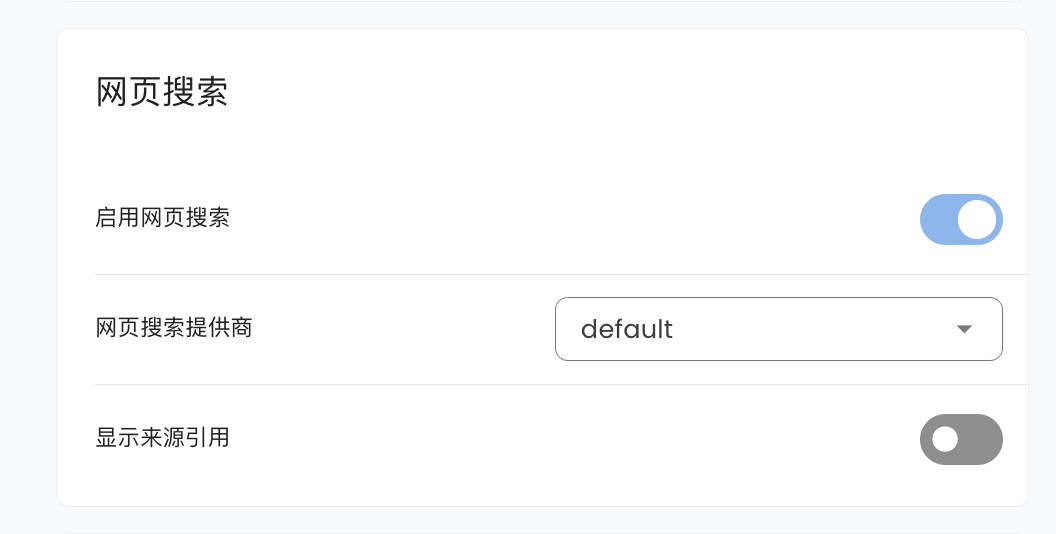
Go to Configuration, scroll down to find Web Search, where you can select Tavily, BoCha, Baidu AI Search, or Brave.
Tavily
Go to Tavily to get an API Key, then fill it in the corresponding configuration item.
BoCha
Get an API Key from the BoCha platform, then fill it in the corresponding configuration item.
Baidu AI Search
Get an API Key from Baidu Qianfan APP Builder, then fill it in the corresponding configuration item.
Brave
Get an API Key from Brave Search, then fill it in the corresponding configuration item.
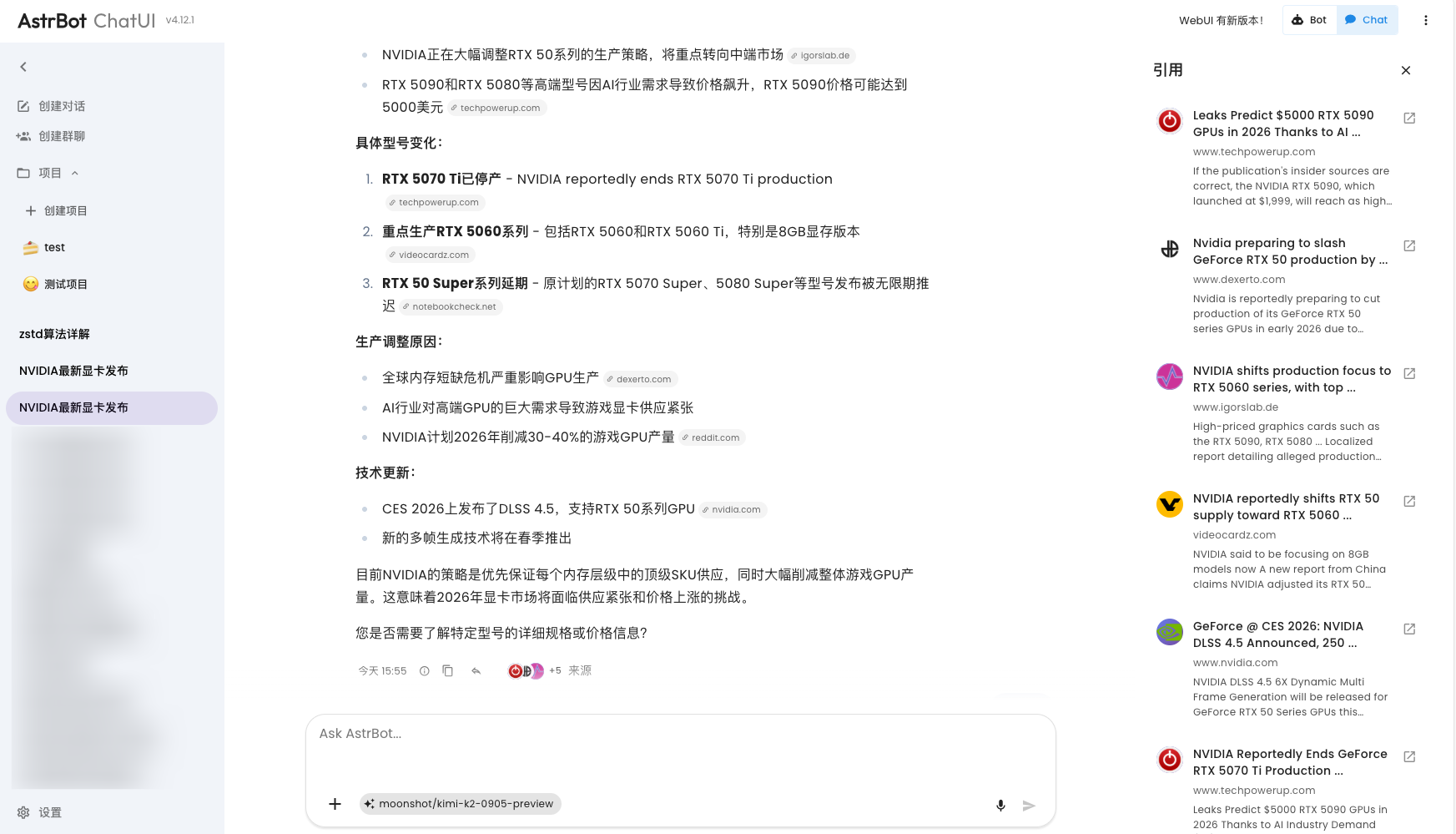
If you use Tavily as your web search source, you will get a better experience optimization on AstrBot ChatUI, including citation source display and more: