Connecting to SiliconFlow
SiliconFlow leverages its proprietary inference engine to deliver efficient acceleration for large language model inference. It provides high-performance, cost-effective API services for a wide range of large models with pay-as-you-go pricing, making application development a breeze.
Configuring the Chat Model
Navigate to the SiliconFlow API Keys page and create a new API Key. Save it for later use.
Visit the SiliconFlow Models page to select your desired model. Note down the model name for later use.
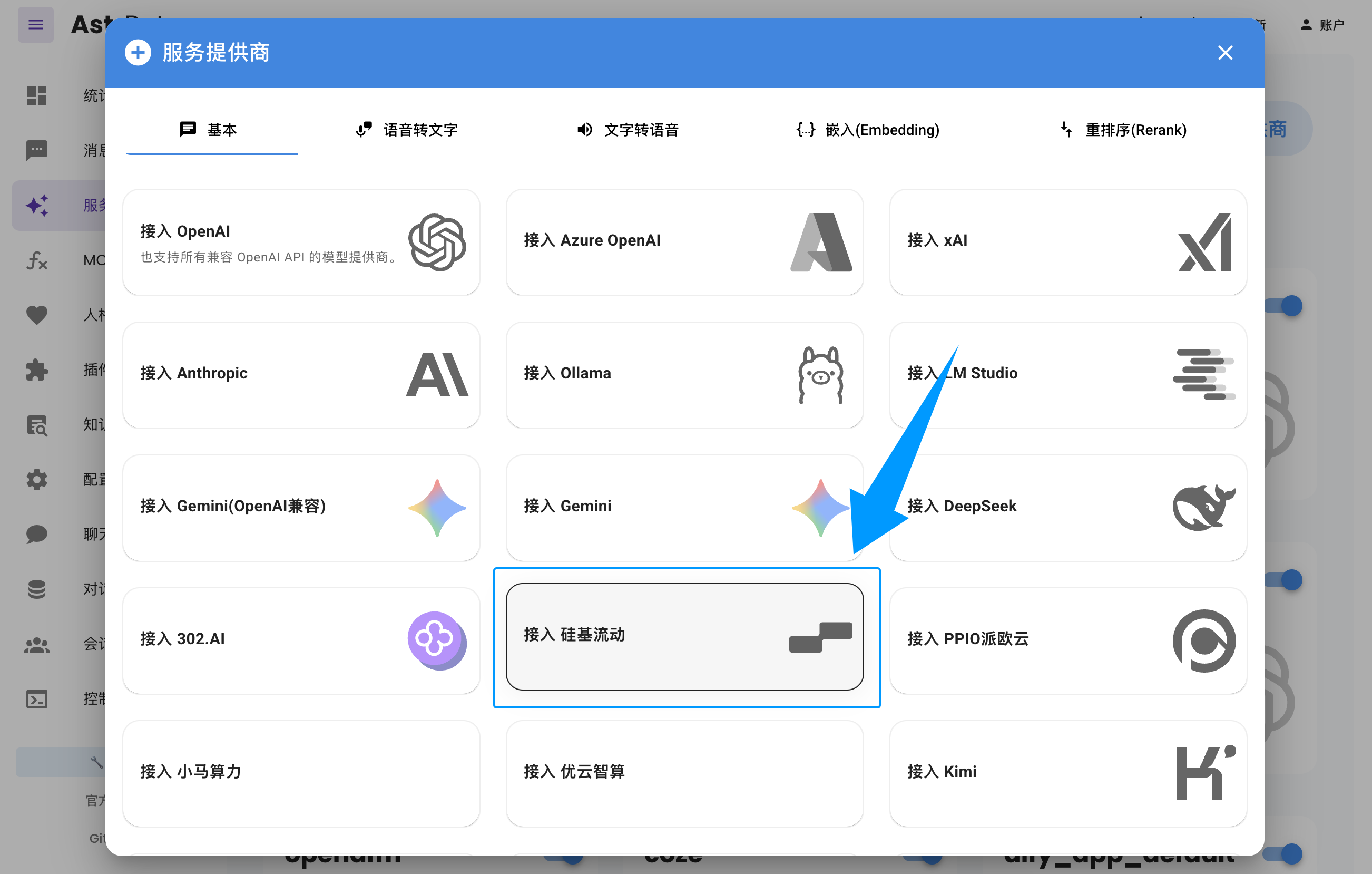
Open the AstrBot WebUI, click Service Providers in the left sidebar -> Add Provider -> select SiliconFlow.
Paste the API Key and Model Name you obtained earlier, then click Save to complete the setup. You can click the Refresh button under Service Provider Availability to verify whether the configuration is successful.